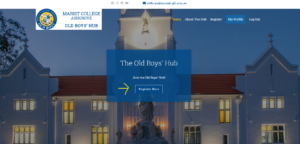
Click on the Register Here Button on the homepage.
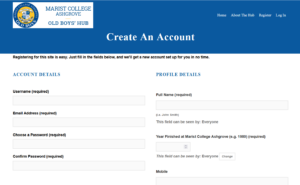
Once you have registered, your account will be pending approval by our administrator. Once approved, you will receive a welcome email where you can then login to update your details.
If you are a registered Hub member and have received an email approving your registration, you can login to your account any time. Go to the Hub’s homepage and press the log in button to access your account. Login using your registered email or username and password. If you have forgotten your password, please hit, “Forgot Password” link to update it or contact us at secretary@ashgroveoldboys.com.au to assist you with your account.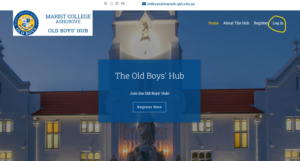
- Once logged in, go to “MY PROFILE” located on the top navigation bar.
- Click on “EDIT” to update your details.
- Remember to “SAVE CHANGES” after updating fields at the bottom of each “edit” profile section.
- Please LOG OUT when you have completed updating your profile details.
If you are experiencing any problems updating your profile details, please email: oldboys@marash.qld.edu.au
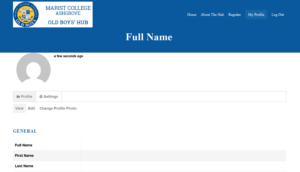
- Go to “MY PROFILE” located on the top navigation bar.
- Click on “SETTINGS” tab to update or change your password.
- Remember to “SAVE CHANGES” after updating fields at the bottom of each “edit” profile section.
- Please LOG OUT when you have completed updating your profile details.
- If you are experiencing any problems updating your profile details, please email: oldboys@marash.qld.edu.au
To unsubscribe from receiving our emails, simply hit the “Unsubscribe” link at the bottom of our emails. This should automatically link to your default email client (eg – Outlook).
Some computers are set to open emails in Google or your web browser which will not allow you to Unsubscribe properly. Please update your computers to open emails in your default email client.
If the Unsubscribe link does not open up to your default email client, you will need to do the following:
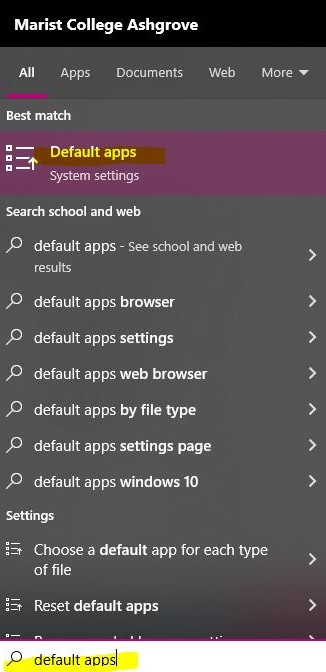
- In the “Search” section of your computer, type in “Default Apps”.
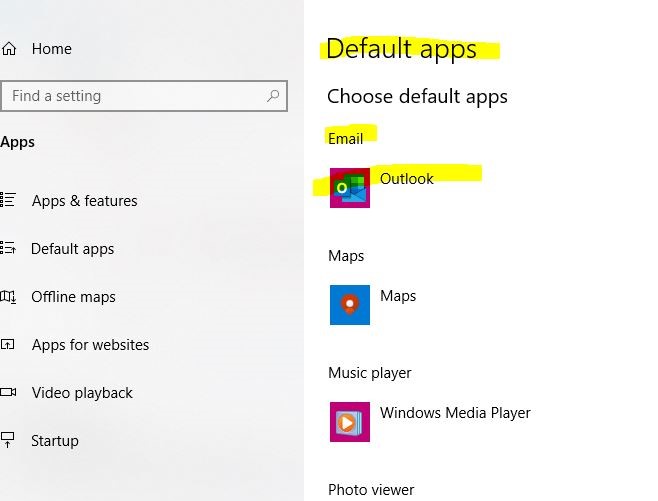
- Once in Default Apps, click on “Emails” and then select your default email client. Eg – “Outlook”. There is a drop down to select from.